
VIN scanning
A VIN scanner built into your mechanic app
Point your phone camera at the VIN barcode and AutoViko adds the vehicle for you, with the year, make and model decoded. Seventeen characters, zero typing.
10-day free trial, then $9.99/month. Cancel anytime.
The right vehicle on every job
A VIN is 17 characters long, and one wrong character means the wrong vehicle and possibly the wrong parts. Typing it on a phone in a driveway is where the mistakes happen.
With AutoViko you scan the barcode instead. The VIN is captured exactly, the year, make and model come along with it, and the vehicle is saved under the customer for every job after this one.
- Scan with the phone camera
- Decodes year, make and model
- Fewer typing mistakes
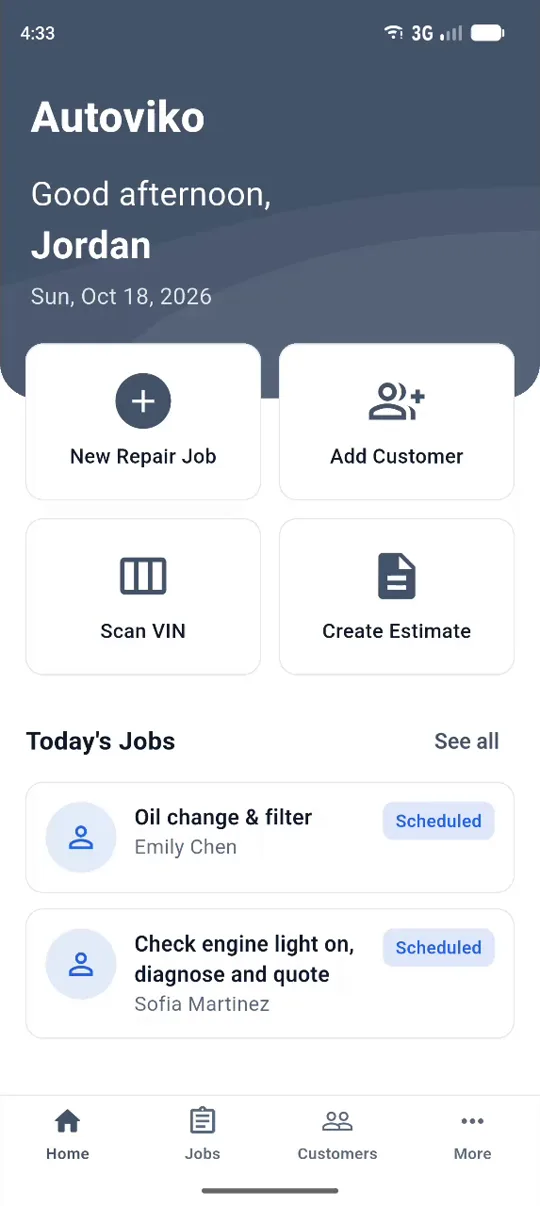
- Scan VIN shortcut on the home screen
How VIN scanning works
- 1
Tap Scan VIN
Start from the shortcut on the home screen or while adding a vehicle to a customer.
- 2
Point at the barcode
Aim the camera at the VIN barcode, usually on the driver's door jamb or windshield.
- 3
Check and save
The year, make and model are filled in. Save the vehicle and start the job.
Why scan instead of type
Exact match
The VIN is captured character for character, with no O-for-0 mix-ups.
Seconds, not minutes
Adding a vehicle takes a scan instead of a typing session.
On every document
The vehicle you scanned is the one on the estimate and invoice.
Questions
- What does the VIN scanner fill in?
- Scanning the VIN barcode captures the full 17-character VIN and decodes the vehicle's year, make and model.
- Where do I find the VIN barcode on a car?
- Most vehicles show the VIN on the dashboard where it meets the windshield on the driver's side, and on a label in the driver's door jamb, which usually has the barcode.
- Why should a mechanic record the VIN?
- The VIN identifies the exact vehicle, which helps you order the right parts and gives you and the customer a clear record of which vehicle the work was done on.
Related features
Try AutoViko free for 10 days
Every feature included. $9.99/month after the trial, cancel anytime.