
Add a labor service
Save your common services with their hours and rate. They appear under **Common Services** when you add labor to a job.
4 steps
- 1
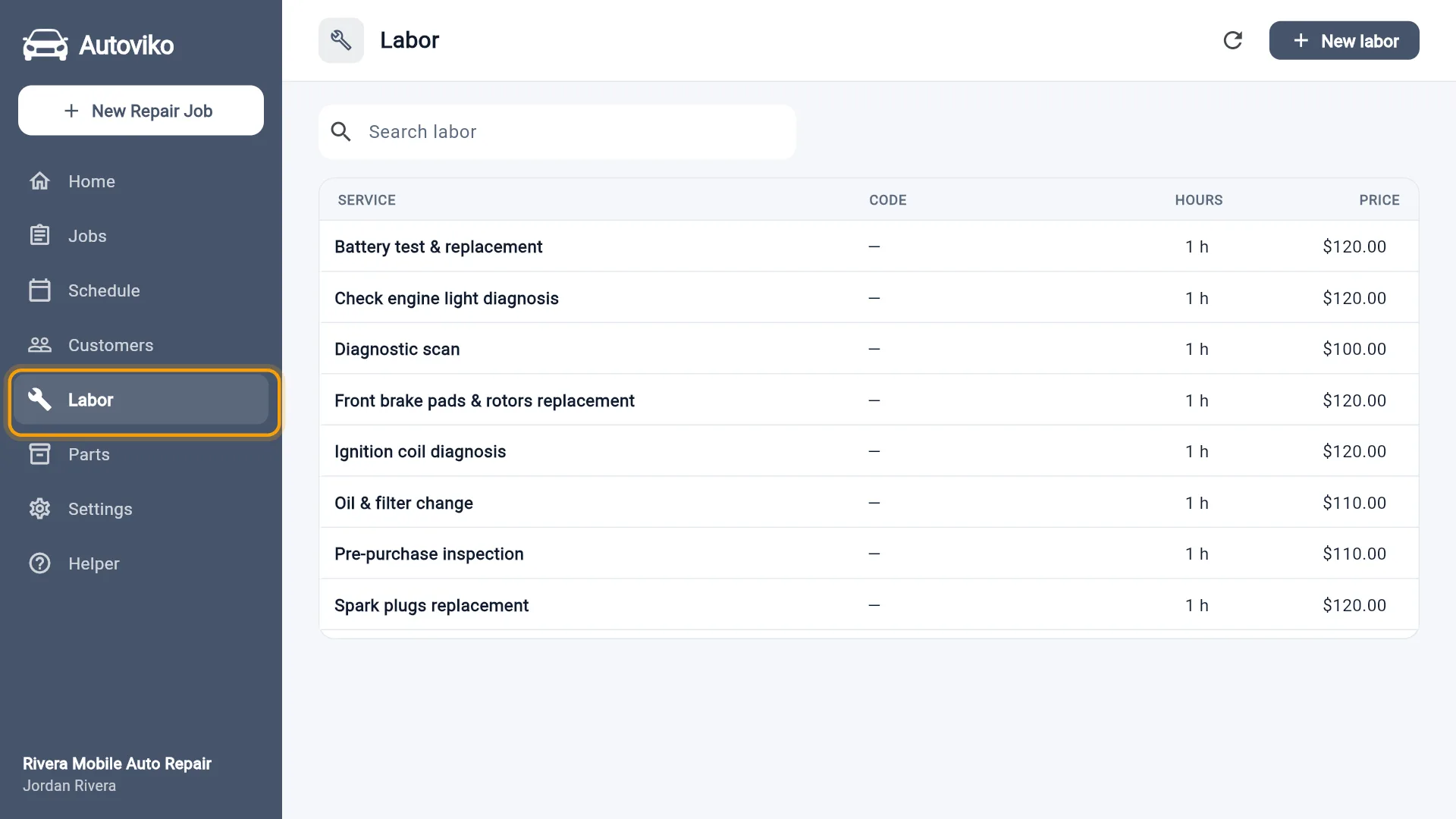
Open Labor
Click Labor in the menu (or Settings → Labor).
- 2
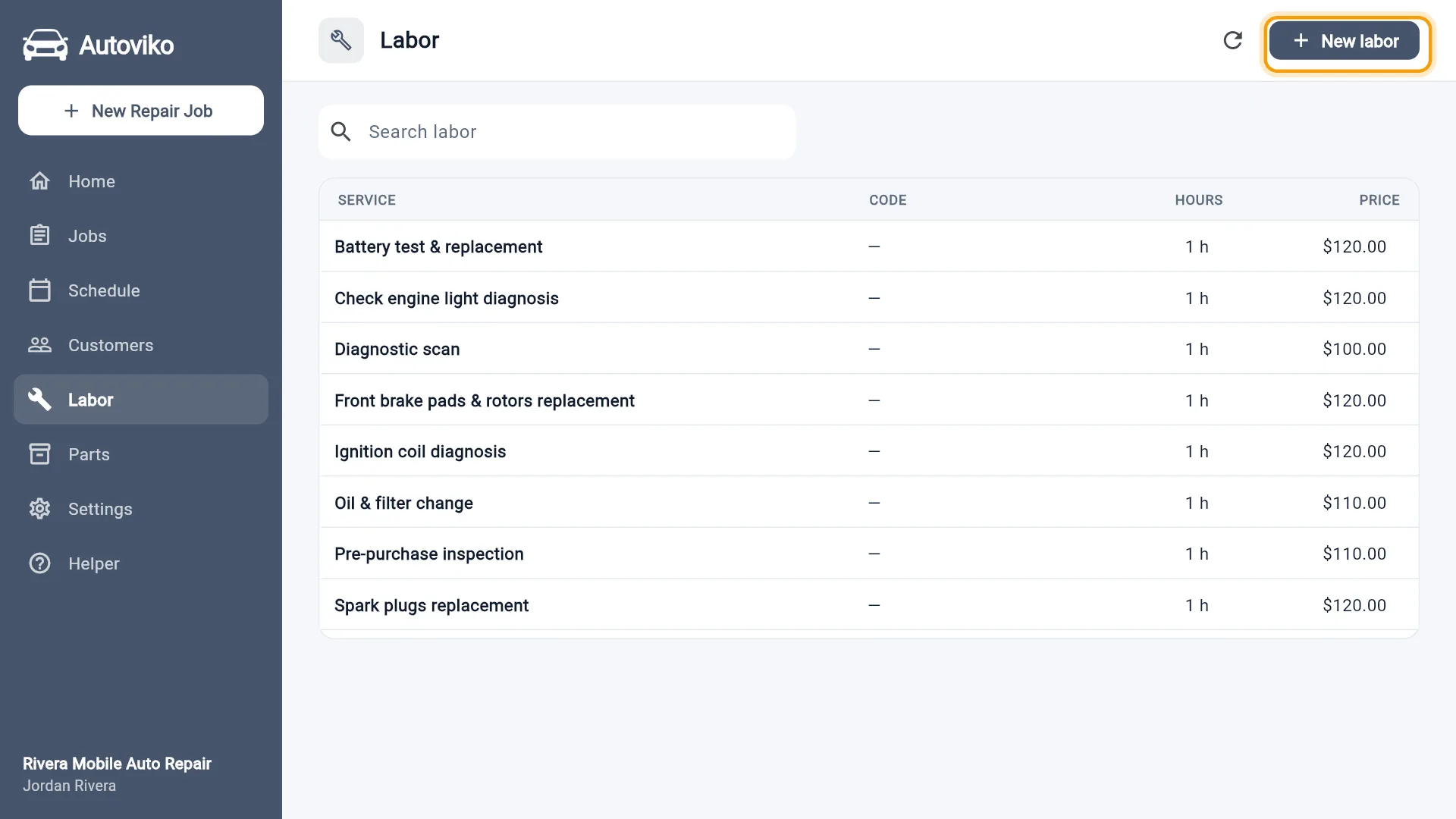
Click “New labor”
Click New labor at the top right.
- 3
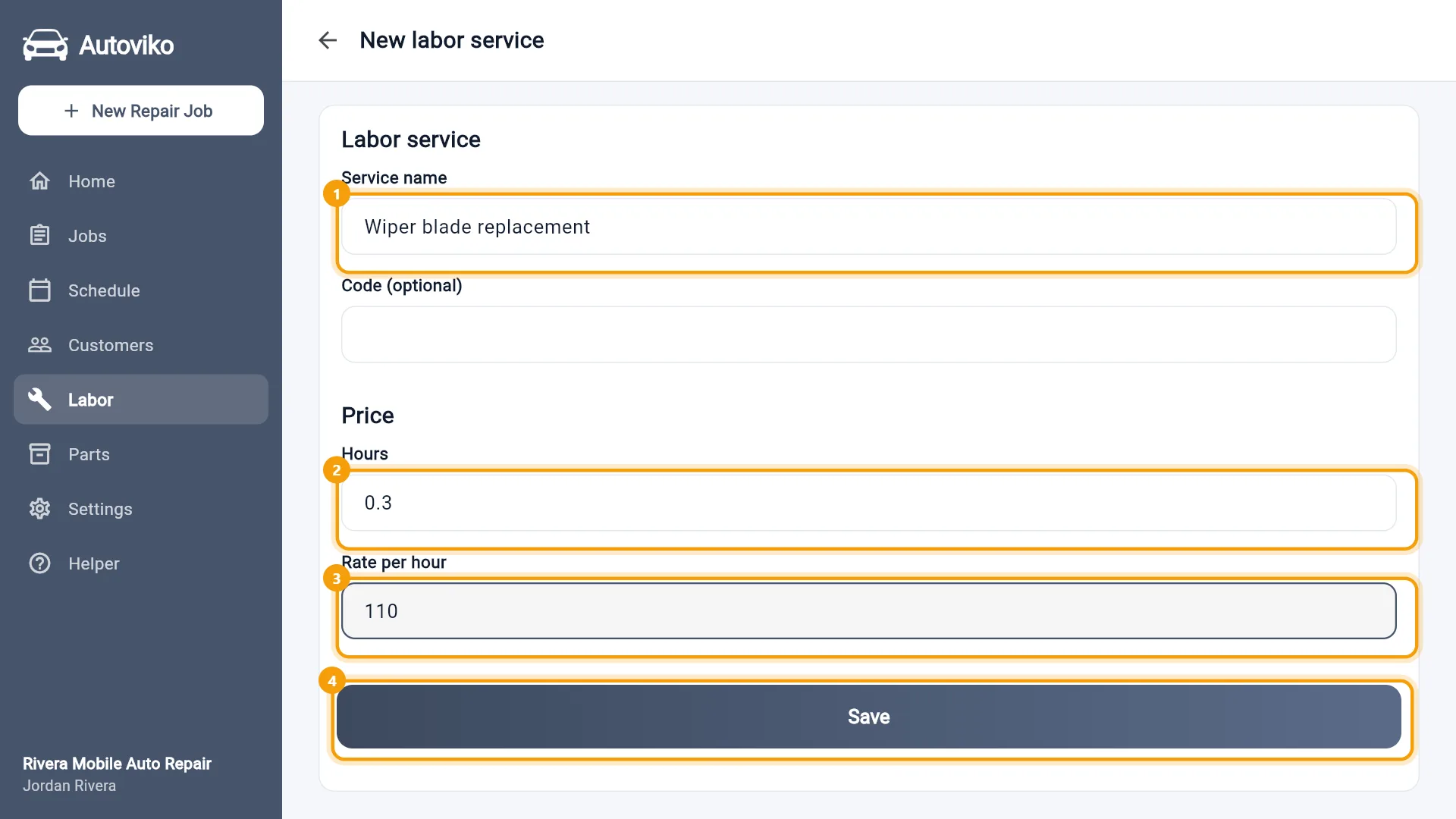
Enter the service
Type the Service name, an optional Code, the Hours and your Rate per hour. Click Save.
- 4
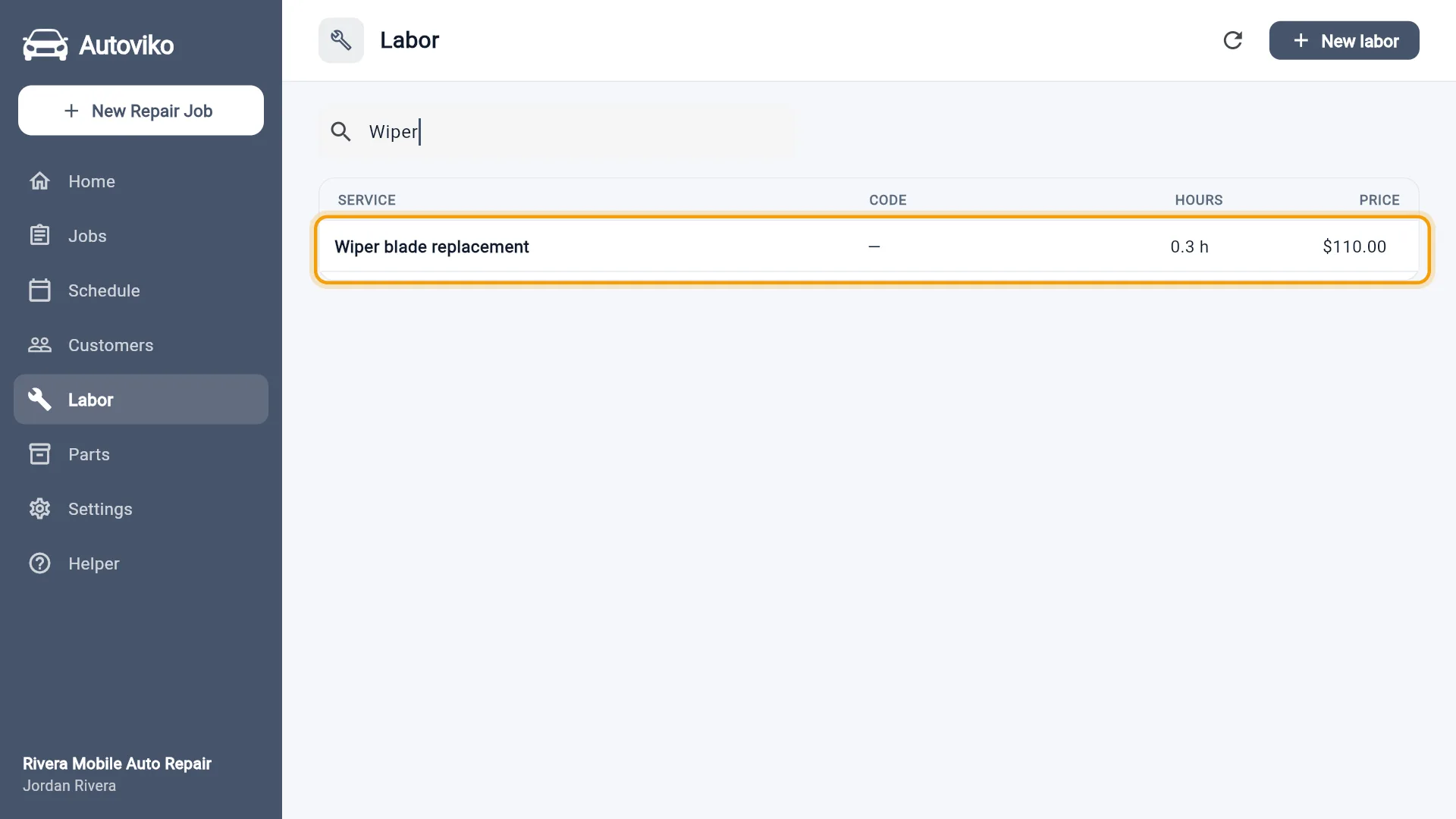
One click on every job
The service is in your labor list. On a job, Add Labor shows it under Common Services: click + to add it.
More in Price list
Screenshots taken from the AutoViko web app in October 2026, using a demo shop with sample data. The same guide is in the app under Helper.