
Schedule an appointment
See your week at a glance and book customers in, at the garage or on the road.
4 steps
- 1
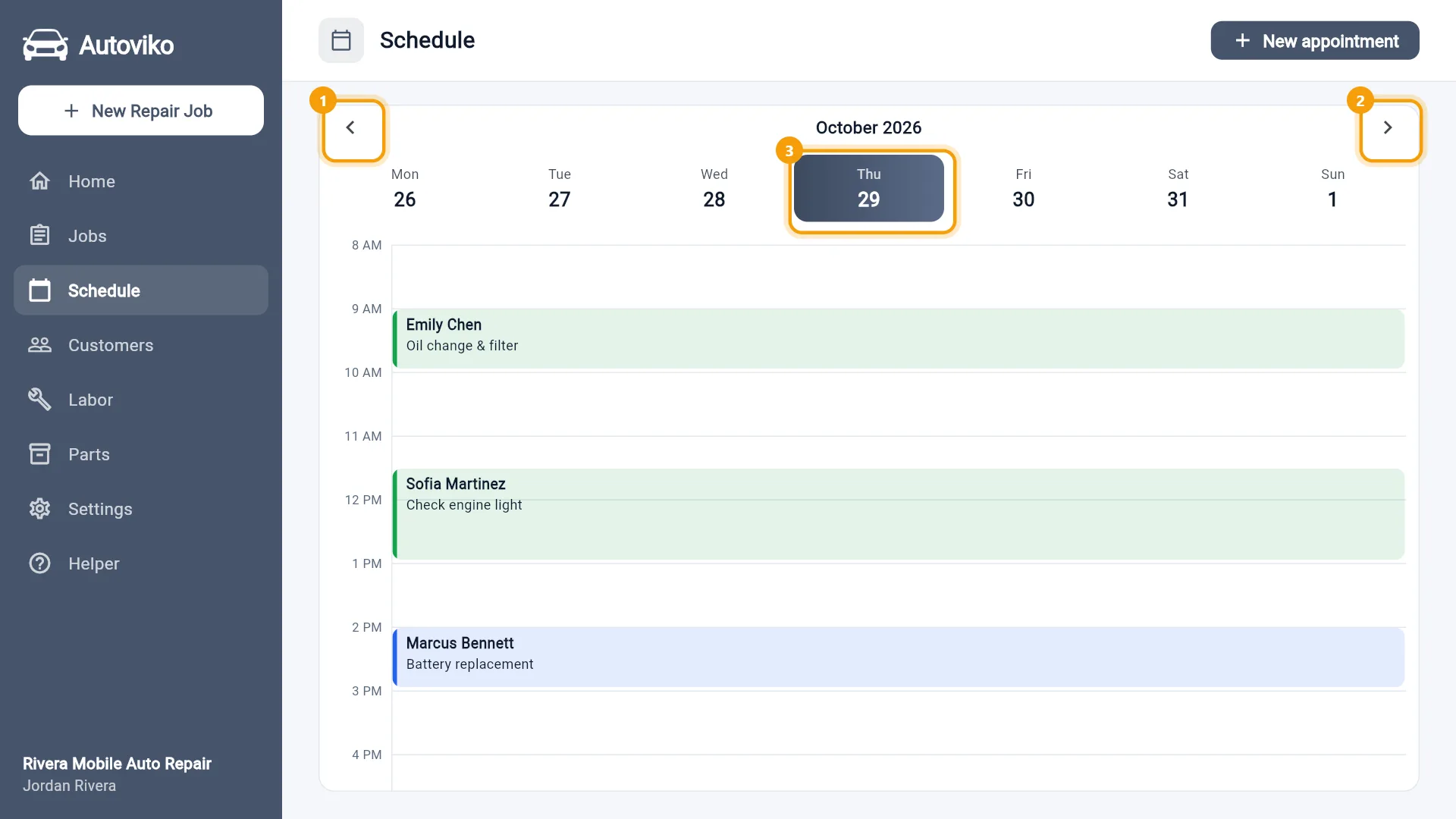
Open the Schedule
Click Schedule in the menu. Use the arrows to change the week, and click a day to see its appointments.
- 2
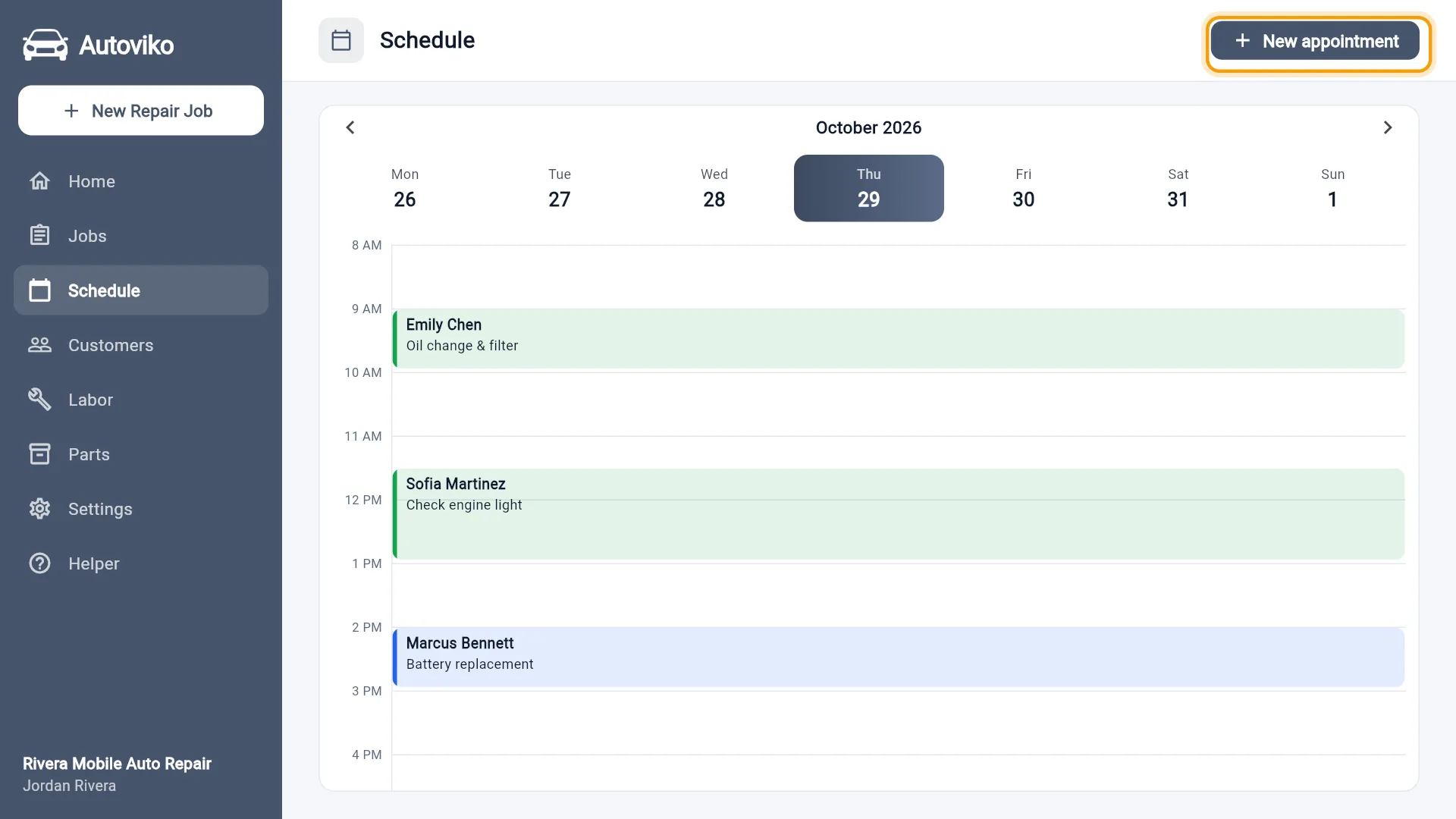
Click “New appointment”
Click New appointment at the top right.
- 3
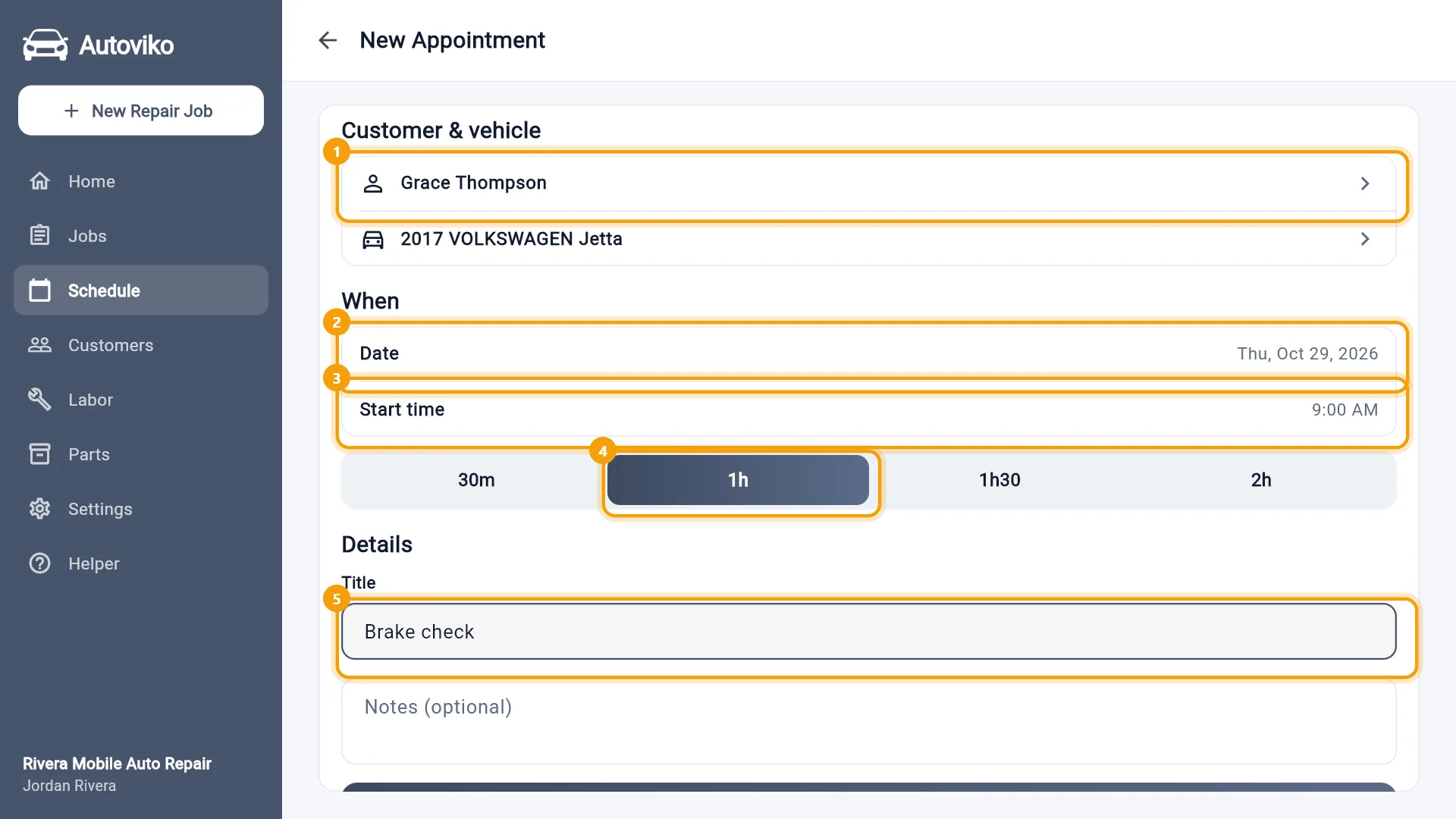
Customer, vehicle and time
Choose the customer and vehicle, the Date, the Start time and how long it takes. Add a Title and notes, then click Save Appointment.
- 4
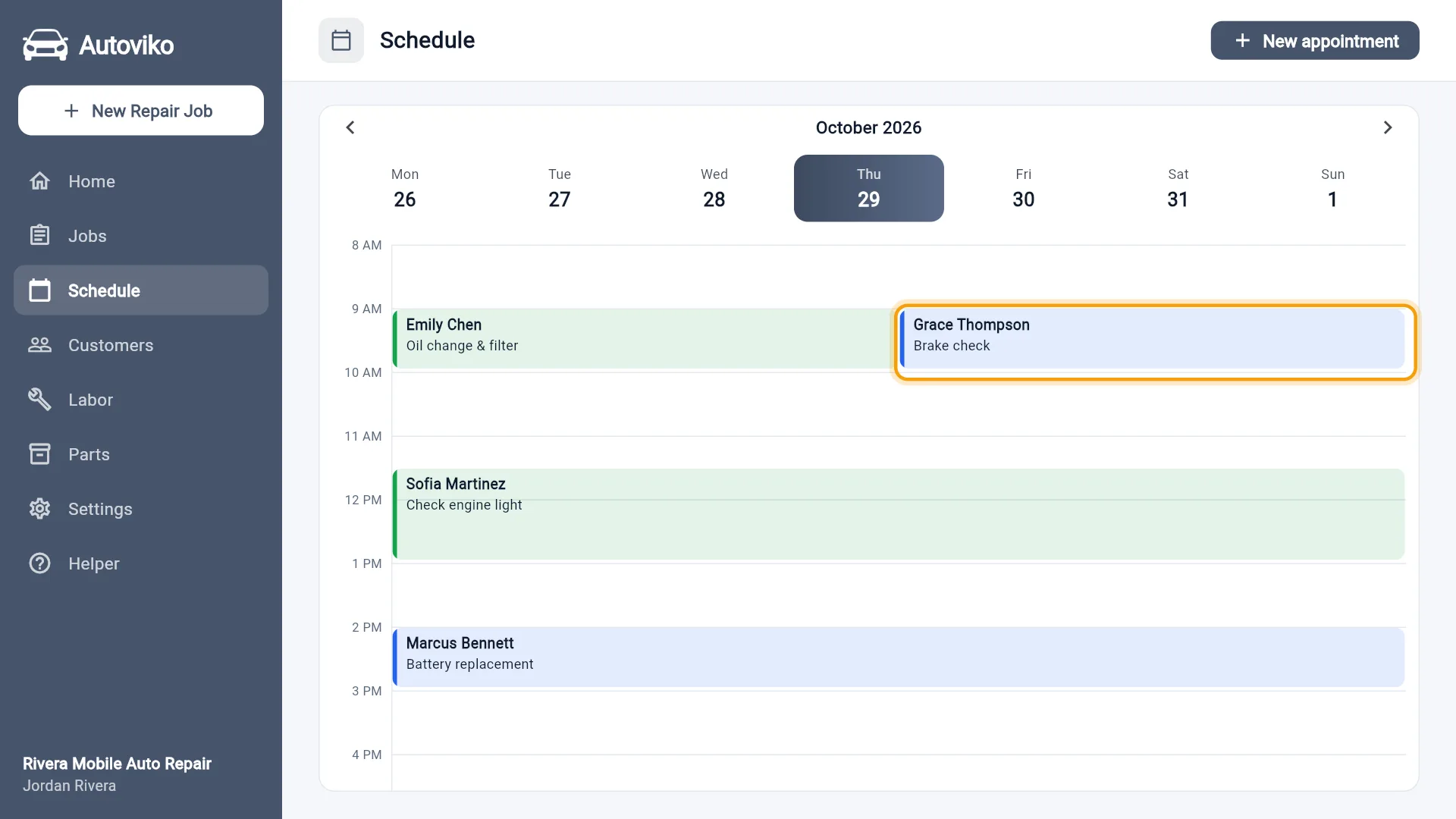
Start the job when they arrive
The appointment shows on the schedule and on Home under Today’s Jobs. Open it to start the repair job.
More in Schedule & settings
Screenshots taken from the AutoViko web app in October 2026, using a demo shop with sample data. The same guide is in the app under Helper.