
Create a repair job
A repair job holds everything about one visit: the customer, the vehicle, the problem, the labor and parts, the estimate and the invoice.
5 steps
- 1
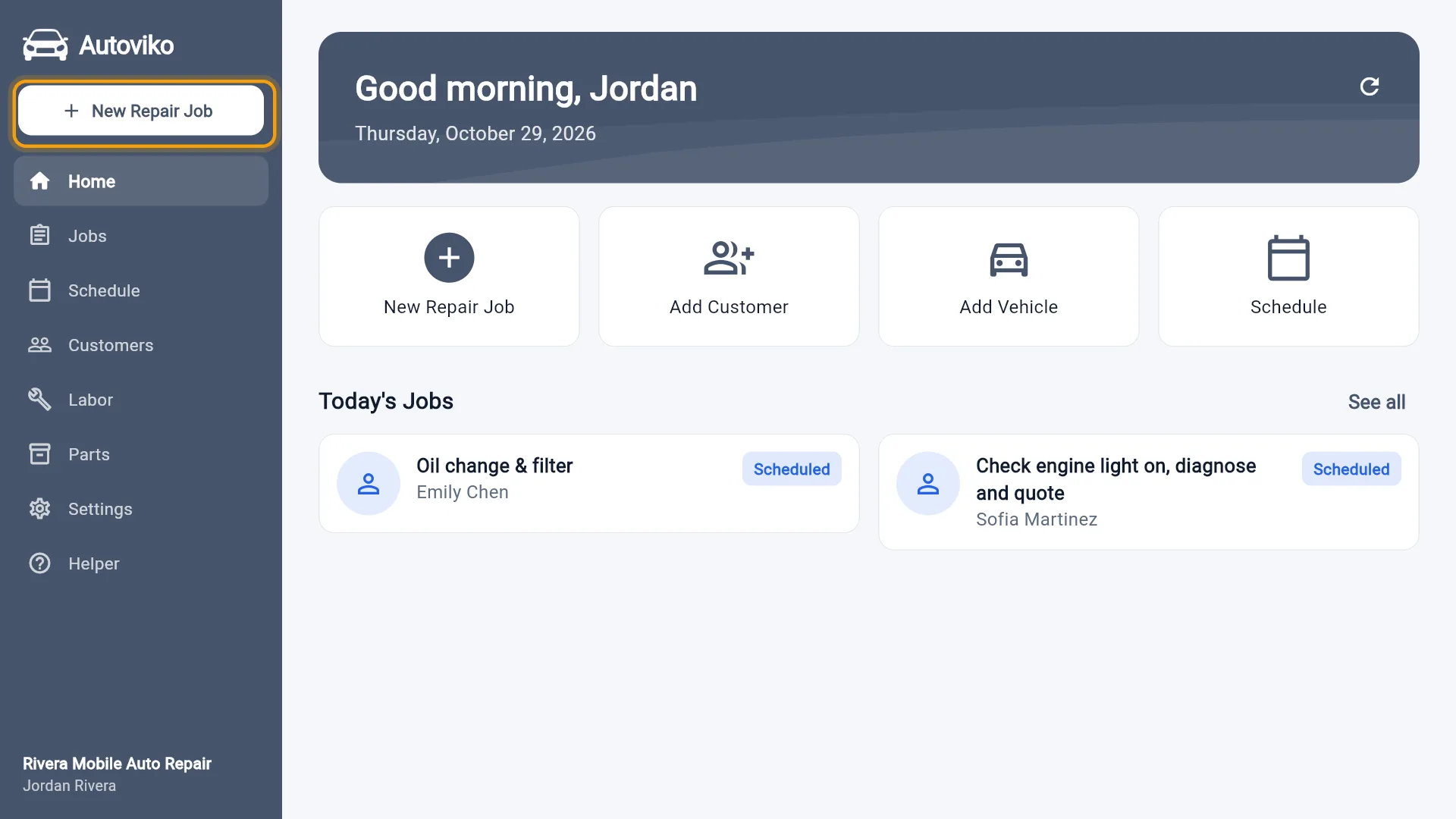
Click “New Repair Job”
Click New Repair Job at the top of the menu. It is there on every page.
- 2
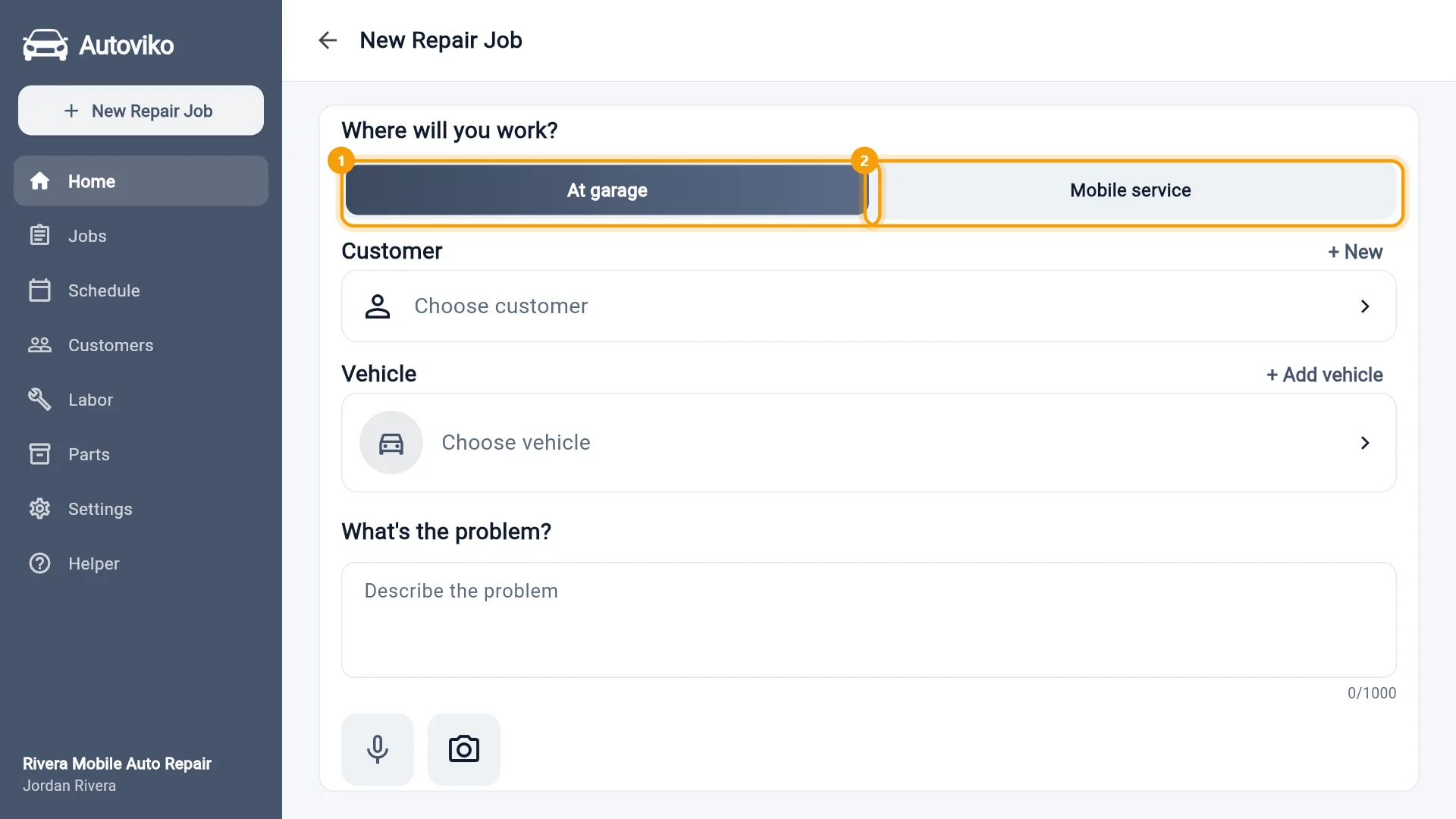
At the garage or mobile service
Choose At garage, or Mobile service when you go to the customer (then type the service address).
- 3
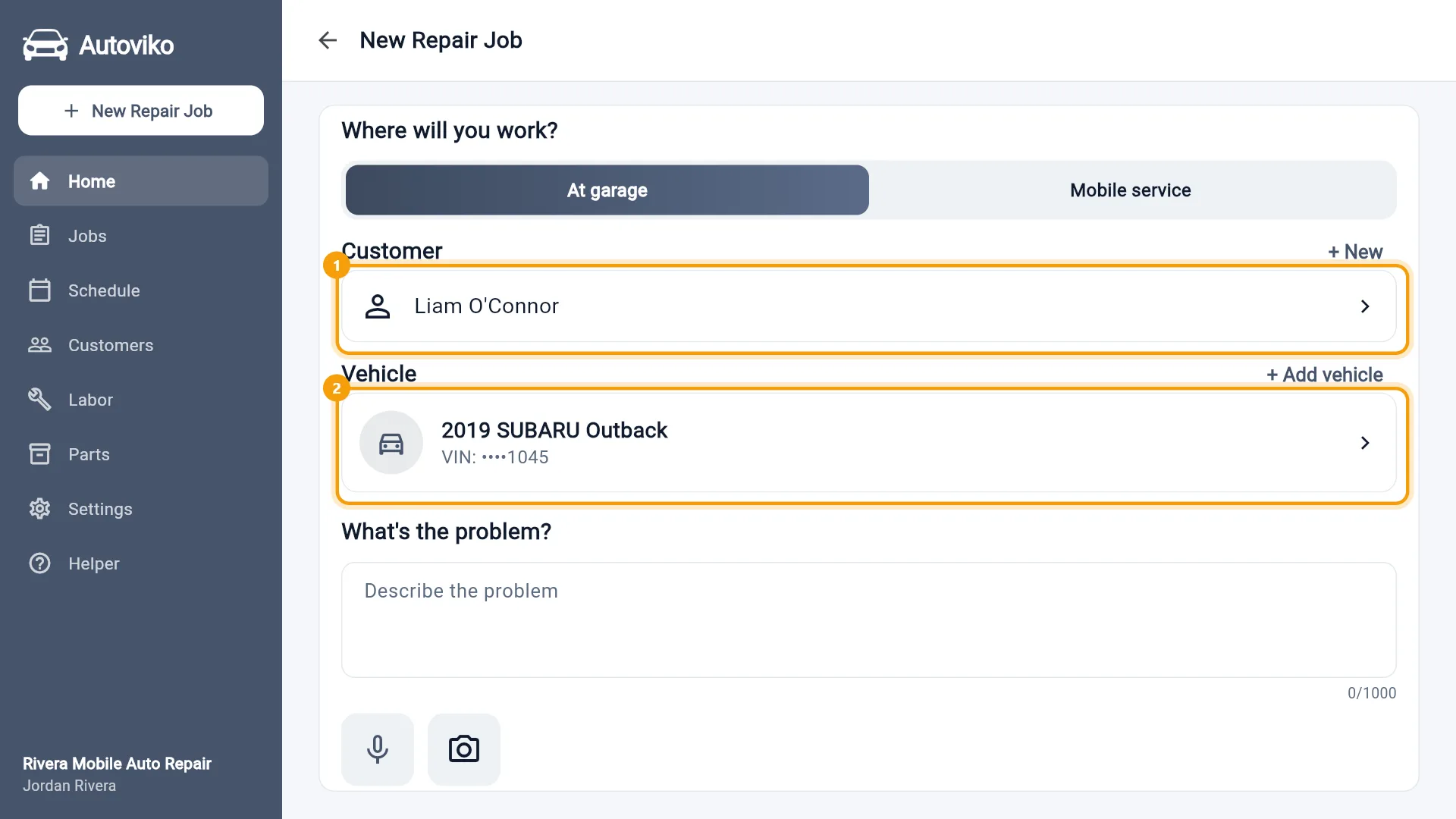
Choose the customer and vehicle
Click Choose customer and pick them from the list (or + New to add one), then Choose vehicle.
- 4
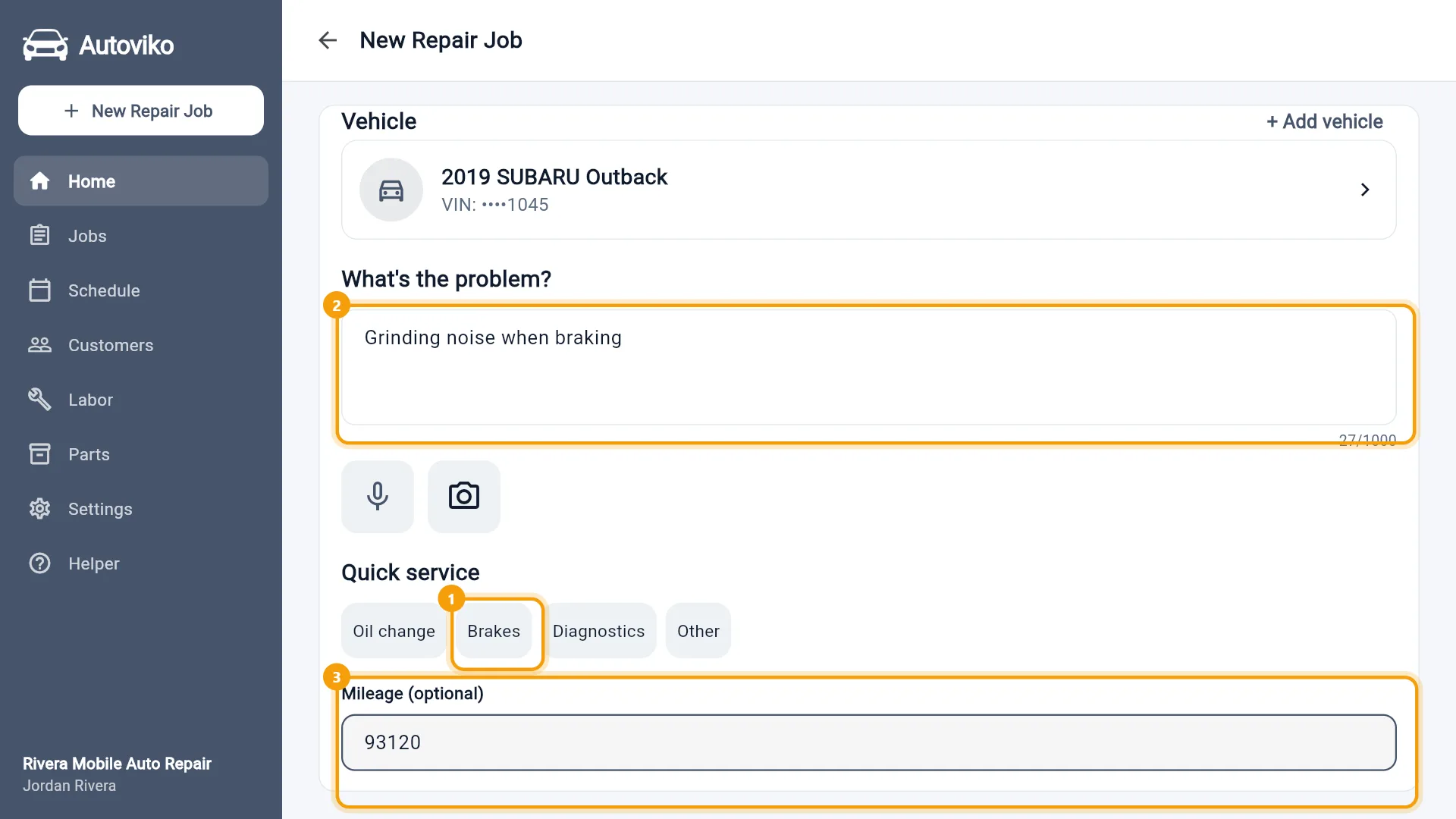
Describe the problem
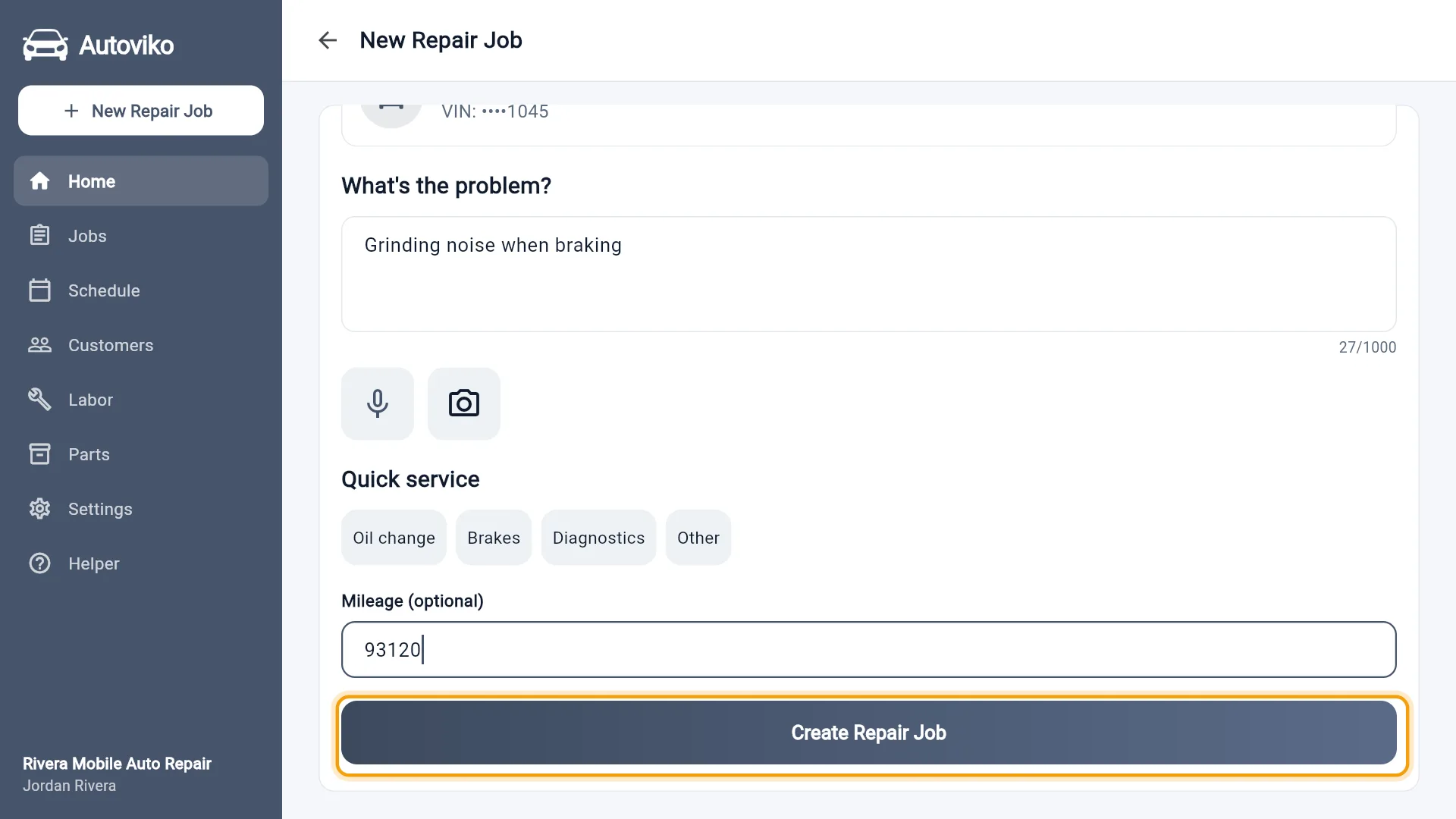
Pick a quick service such as Brakes or Oil change, describe the problem in your own words, and add the Mileage.
- 5
Create the job
Click Create Repair Job. You can then add labor and parts straight away, or open the job details.
More in Jobs, estimates & invoices
Screenshots taken from the AutoViko web app in October 2026, using a demo shop with sample data. The same guide is in the app under Helper.